








Brand: HollyView
Connectivity Technology: USB, HDMI
Controller Type: App, Push Button
Special Feature: 100ms latency, 400ft LOS range, 1080p60
Compatible Devices: Any camera with an SDI HDMI output
Total HDMI Ports: 1
Connector Type: SDI, HDMI
Audio Output Mode: Stereo
Surround Sound Channel Configuration: 8
Video encoding: H.264
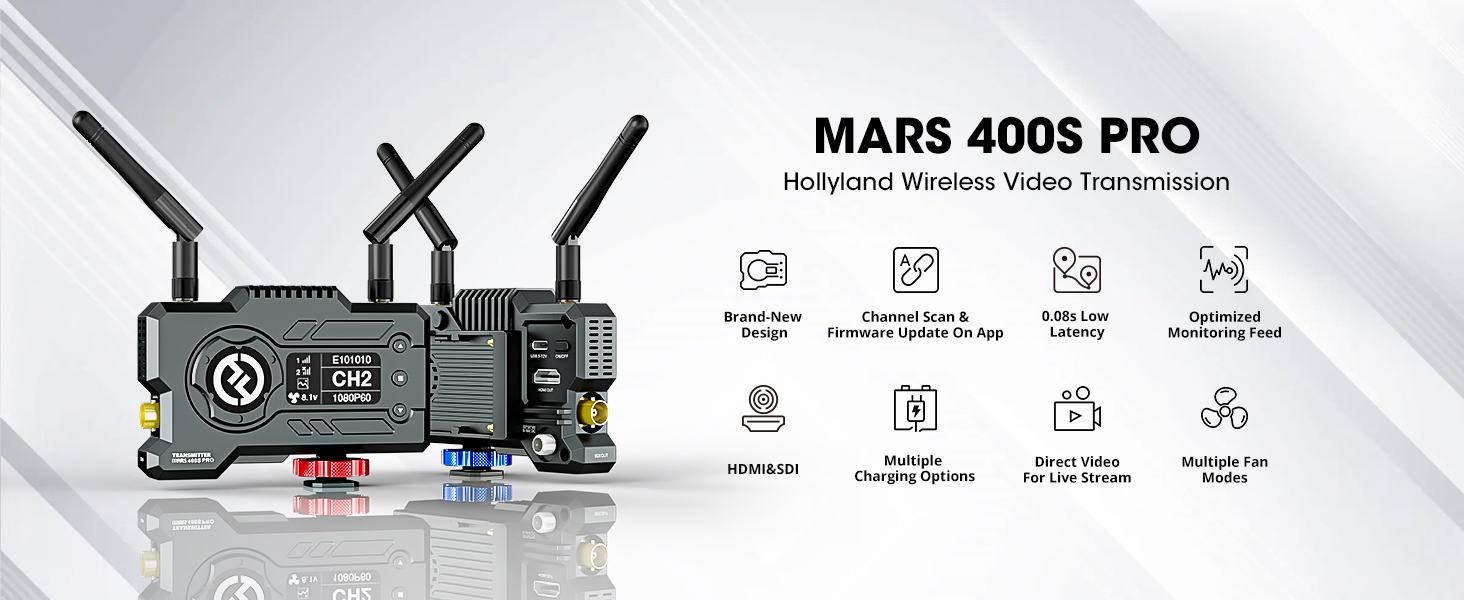
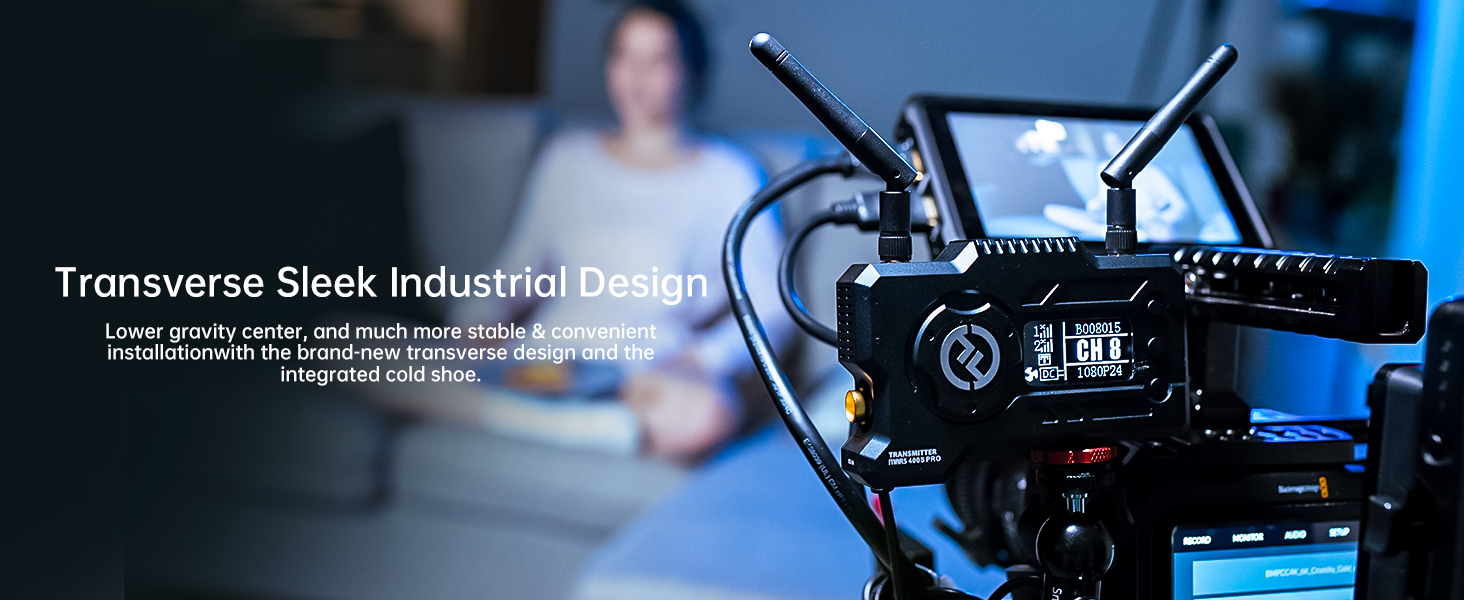
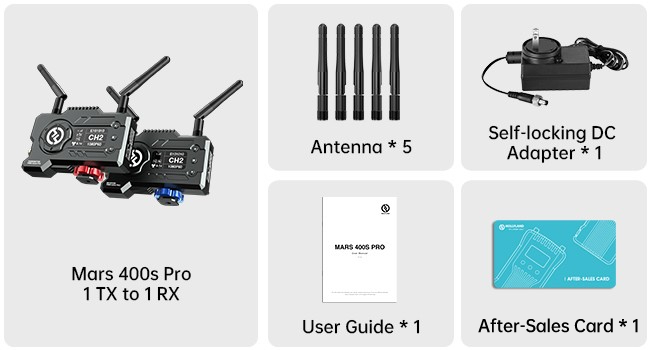
With a brand-new design, 12Mbps ultra-high data rate, SDI & HDMI dual ports and other features built for professional filmmakinq, the MARS 400S PRO brings video transmission to the next level, empowering filmmakers, crews, and content creators everywhere.






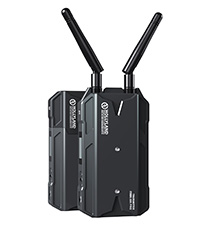
Comparison of Hollyland Wireless Video Transmission System


Mars 400S PRO
Mars M1 Enhanced
Mars 4K
Cosmo C1
Mars 300 Pro Enhanced
Can the Mars 4K system Pair with Mars 400S Pro?
How to avoid fan noise?
How to pair a new RX with the current system?
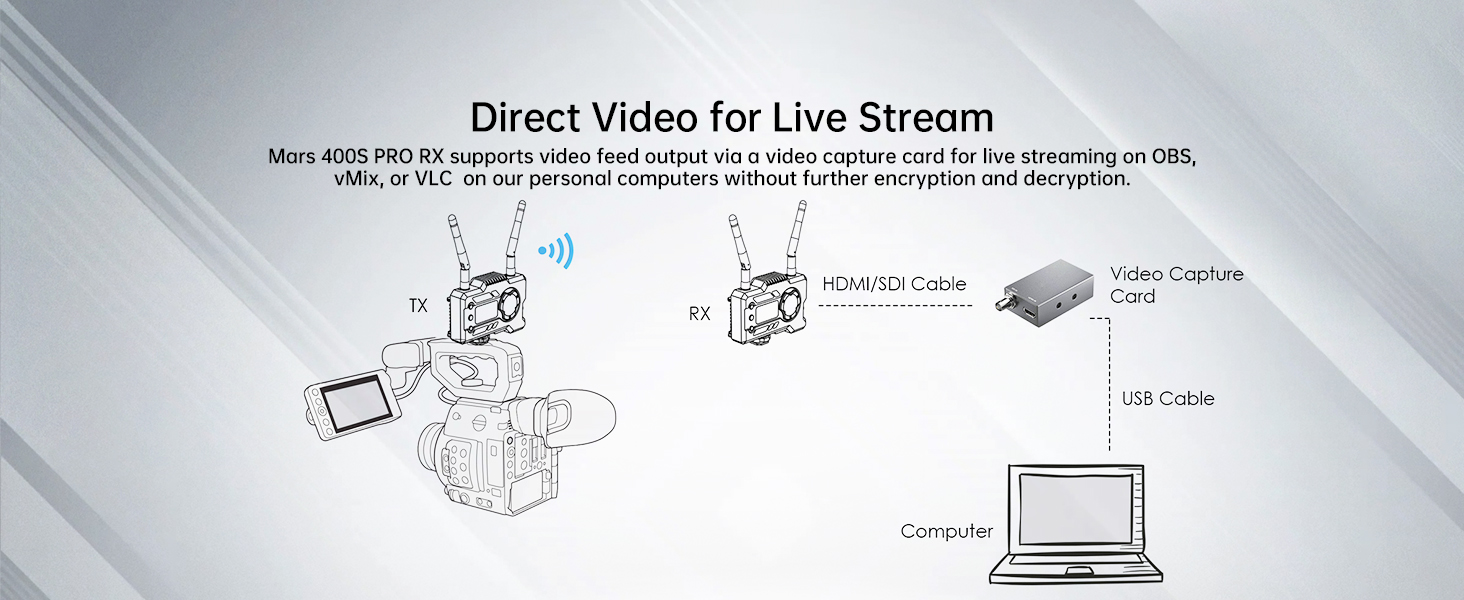
How to implement streaming?
Can the Mars 4K system Pair with Mars 400S Pro?
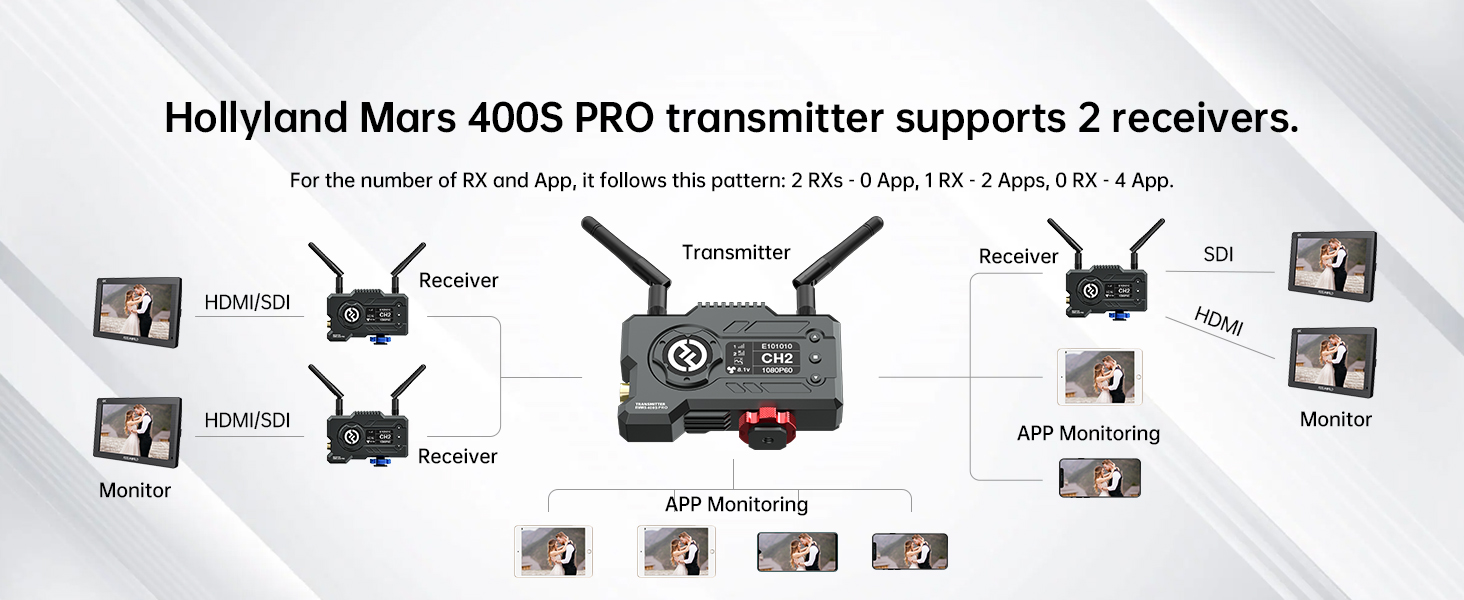
Mars 4K system can only pair with Mars M1 wireless video monitor. When Mars 4K pair with the Mars M1 monitor, the monitor can achieve monitoring function and can be use as a single trnasmitter or single receiver. [0 RX-4APPs; 1 RX-2APPs; 2 RX-0APP]
How to avoid fan noise?
1. Hold the middle button on TX or RX
2. Select the “Fan Speed” option
3. Choose the SLOW or OFF mode
How to pair a new RX with the current system?
Please keep the transmitter at least 0.5m away from the receiver:
-Long press the middle button to enter the menu on both the TX and the new RX
-Choose “PAIR” under “ SYSTEM SETTING” at the same time
-Both devices will start to pair automatically
How to implement streaming?
Please connect as follows:
The receiver is connected to the video capture card through the HDMI/SDI interface, and then connected to the computer through the USB cable, and then the streaming software is used to push the live broadcast.





Reviews
There are no reviews yet